
The hardest call
Ship 1.0 without sync.
I built shared balances over iCloud: invites, confirmed payments between two phones, push updates. But I had never tested it with two real accounts on two real phones, and a money app that syncs wrong is worse than one that doesn’t sync. Turning it on would also have brought Sign in with Apple, which means in-app account deletion and a different privacy disclosure.
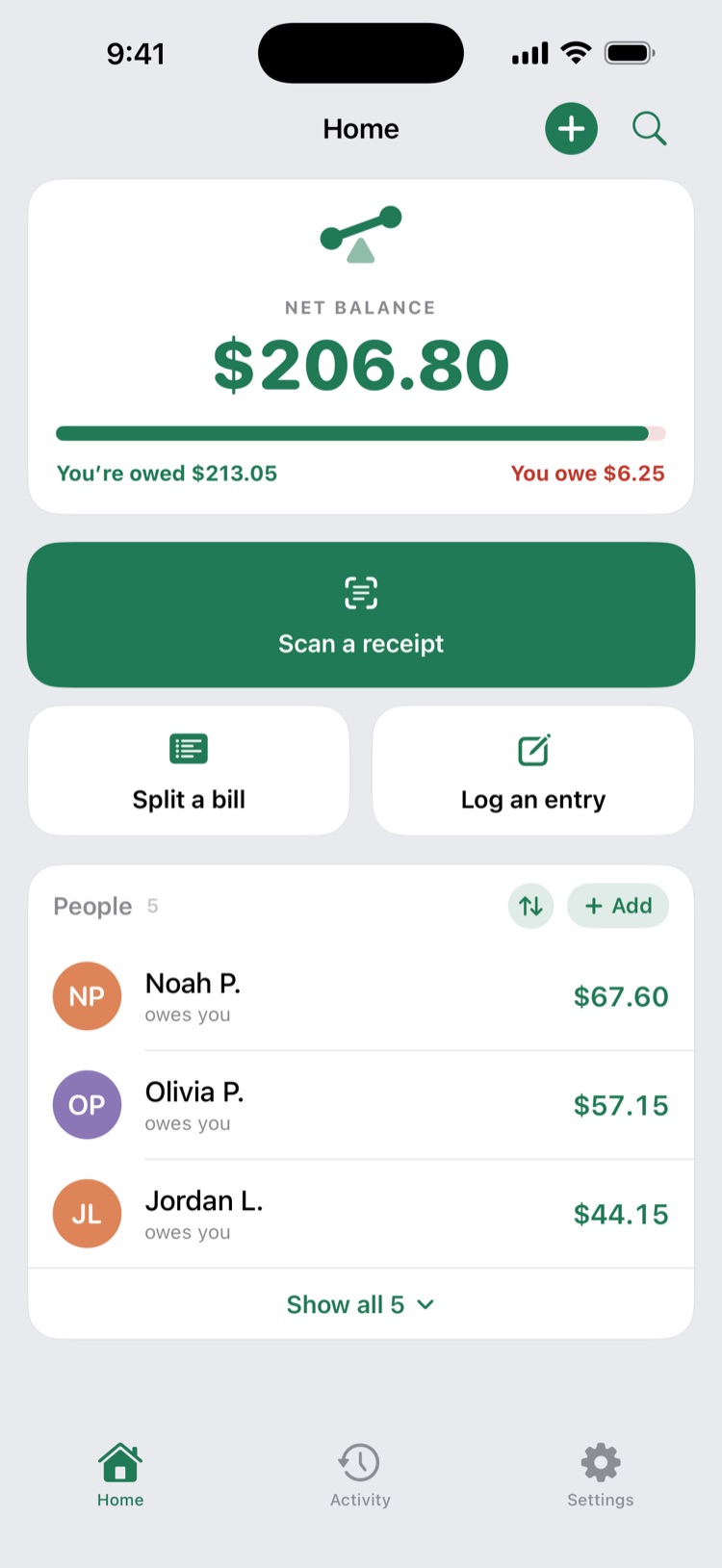
So it sits behind one compile-time flag, connections = false, and 1.0 shipped local-only.
Cost: you can’t share a balance with a friend’s phone yet. That’s the first thing I’d build next, after real two-device testing.
Money
Decimal, never Double.
Binary floating point can’t store most cent values exactly (0.1 + 0.2 isn’t 0.3), and the errors add up across a ledger. Every amount is a Decimal, rounded to cents only when it’s displayed or saved.
Cost: more careful code everywhere money moves.
Payments
“Oldest” means the date on the card.
A payment pays off the oldest debts first, judged by the date shown on each entry, not the moment it was typed in. Every place in the code that applies a payment uses the same sorting function, so two screens can never apply one payment differently.
Cost: changing every payment path to go through that one function.
Receipt photos
Ask before anything leaves.
Apple requires permission before personal data goes to a third-party AI. The consent screen names Google Gemini and says what is sent. It also says Google doesn’t train on the photo, which is only true because the account is on paid billing. If that ever changes, the sentence comes out.
Scanning costs money
Cap the cost.
Every scan is a paid call to Google. So the scanning server limits how often it can be used and how large a photo can be, and the billing account has a hard budget cap underneath both.